Your body-art journal, kept private.
Save tattoos, piercings, dates, artists, placements, and the details you do not want to forget.
Open My Journal ↗Check healing, understand placement pain, preview a tattoo on your body, or explore piercing positions—using your own photo.
Private by default.
Analysis runs only when you ask.
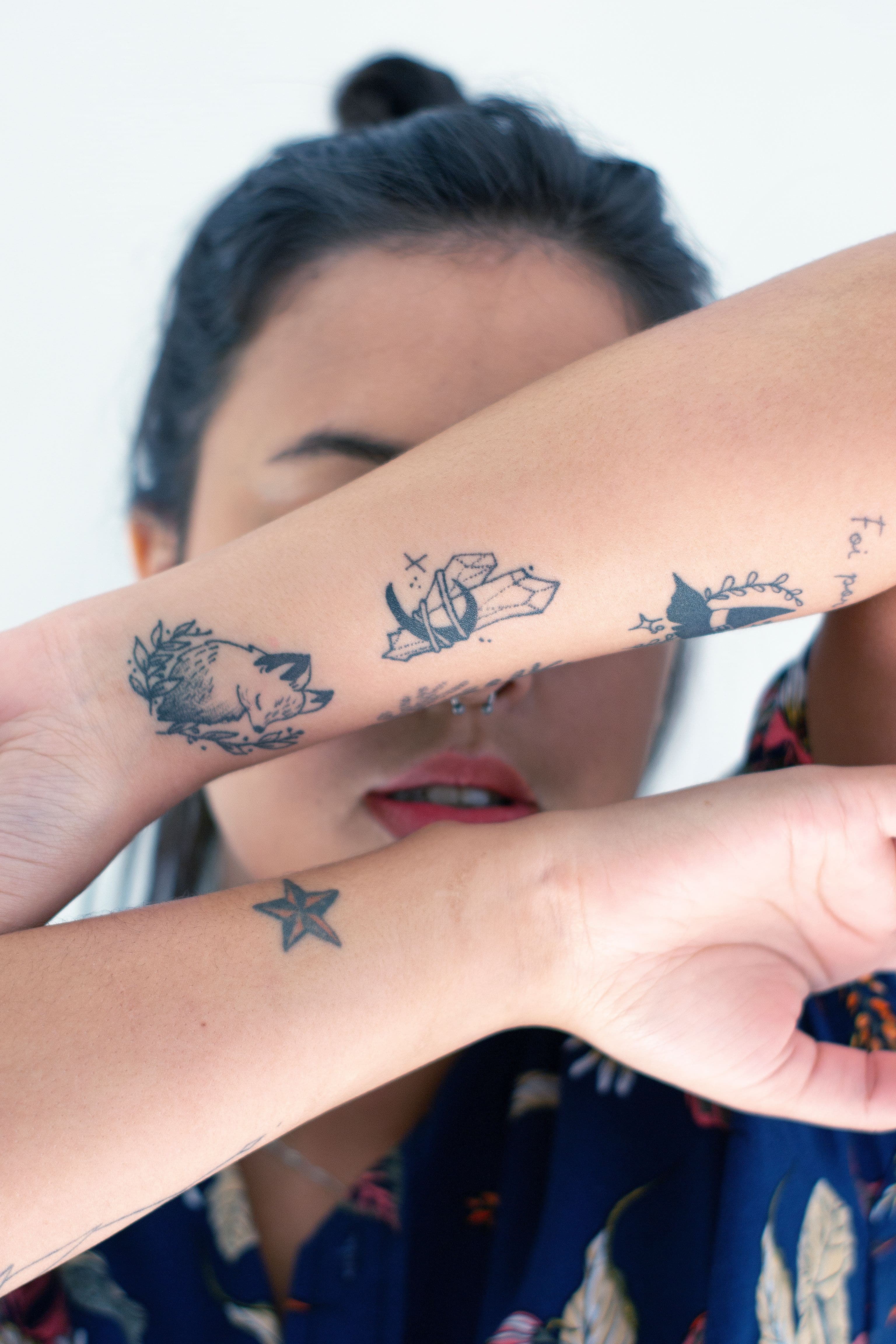
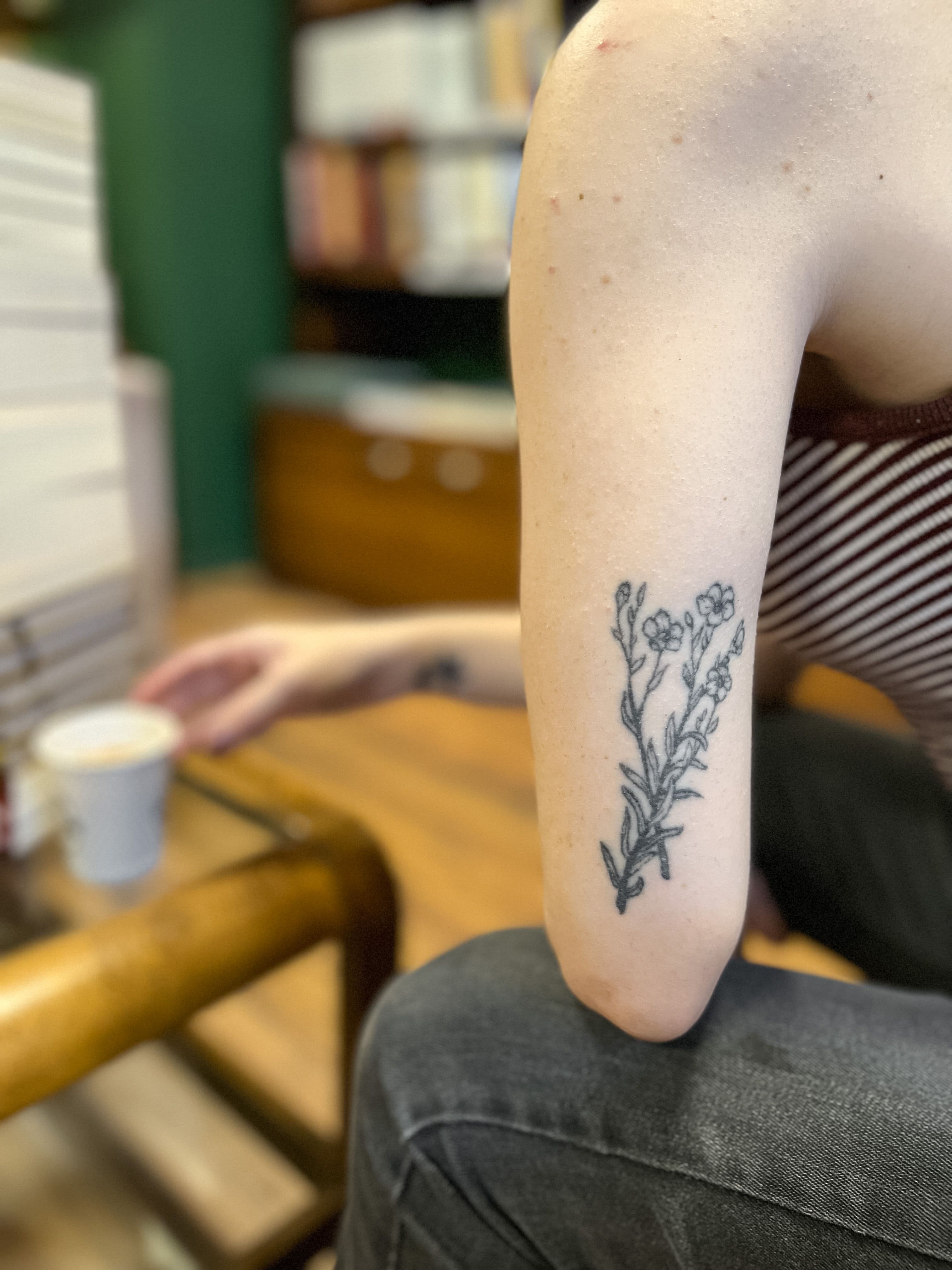
No feed. No endless setup. Each tool does one job.
 looks consistent?
Add a clear photo, the healing day, and how it feels.
Open tool ↗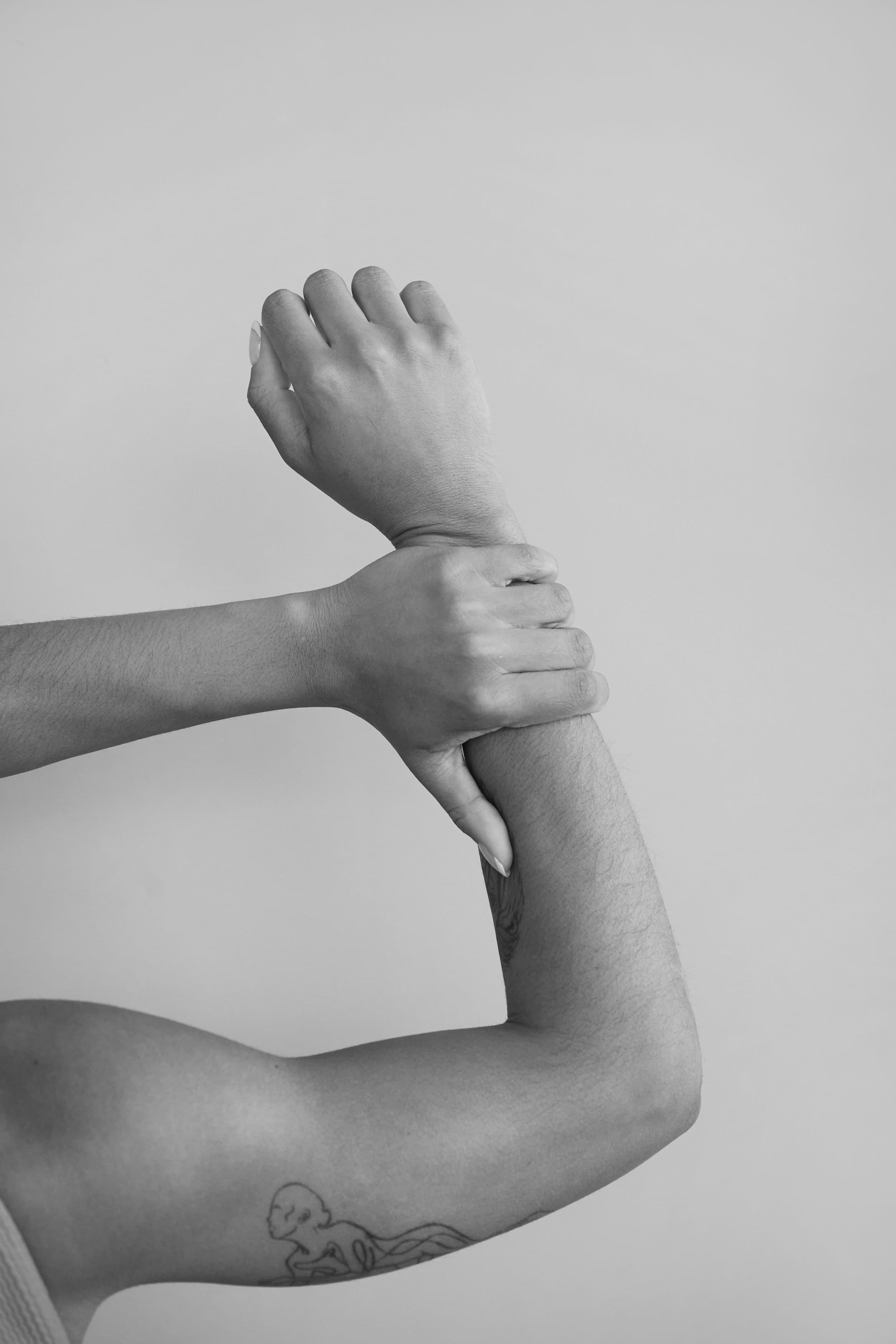
Mark one exact point and see a likely range with reasons.
Open tool ↗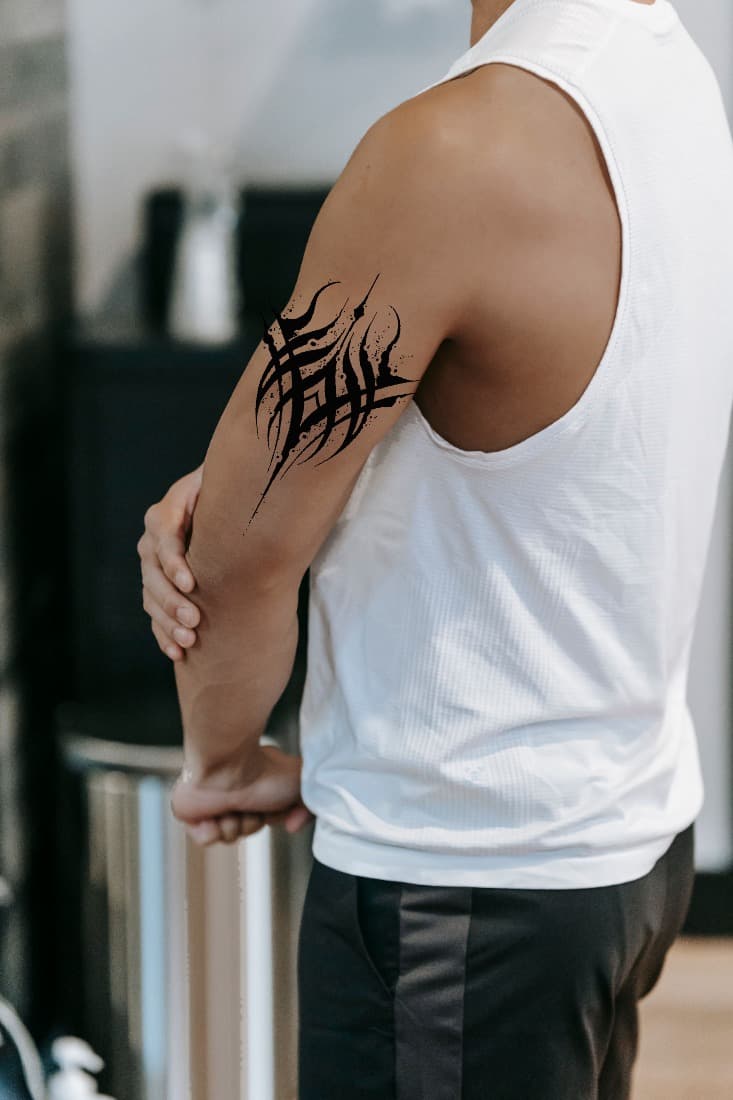 drag / scale
Place your design on a photo, then scale and rotate it.
Open tool ↗Explore calibrated ear and facial placements in 3D.
Open tool ↗01You point, place, pinch, and decide when to run a check.
02Tattools returns a range, reasons, confidence, and limits.
03Your tool photos stay temporary—not stored as a gallery.
Save tattoos, piercings, dates, artists, placements, and the details you do not want to forget.
Open My Journal ↗Prepare artwork, build the stencil, print accurately, time the work, and make a branded session record.
Explore Artists Suite ↗
 03
03